


Nintendo Switch / Global
0100000011D90000
F87FC6075104EC4D
v1.0.0 only
Atmosphère / EdiZon
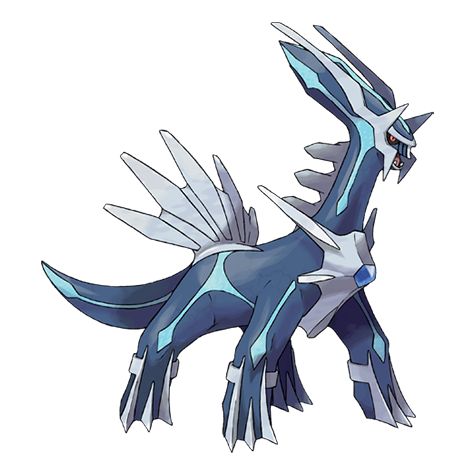
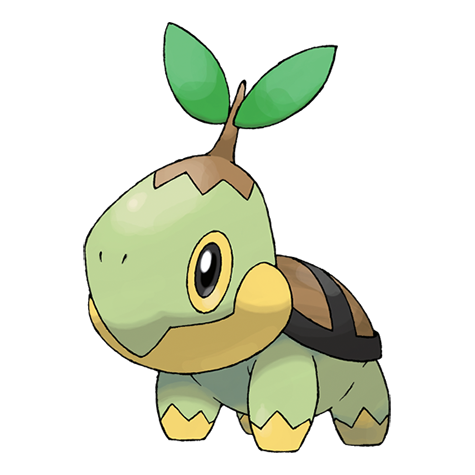
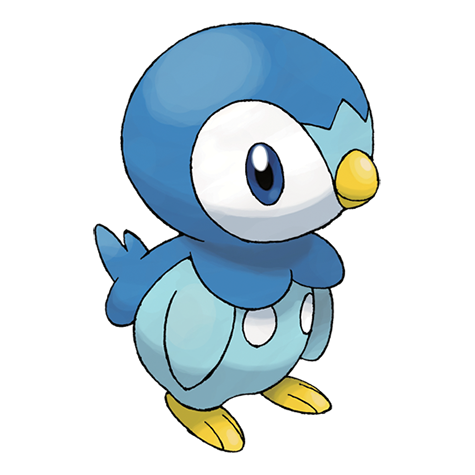
Pokémon Brilliant Diamond v1.0.0 cheat codes
Invincible in Battle
Prevents compatible battle damage.
040E0000 02306D24 1421F46F
Use: Use in ordinary offline battles and disable before scripted encounters.
PP Does Not Decrease
Stops move PP from being consumed.
010E0000 02305386 0000001F
Use: Enable after gameplay loads.
Items Do Not Decrease
Stops documented bag-item consumption.
010E0000 021BEECA 0000001F
010E0000 01B2E487 00000052
Use: Disable before reorganising the bag or saving.
Money Does Not Decrease
Prevents Pokédollars being deducted.
010E0000 0210DF16 0000001F
Use: Buy one inexpensive item to test, then disable.
Experience ×5
Multiplies battle experience by five.
040E0000 022989AC 9423AD52
040E0000 022987C4 9423ADCF
040E0000 02298C48 0B020853
Use: Disable when the team reaches the intended level.
Shiny Pokémon — hold ZR
Forces the shiny branch while ZR is held.
040A0000 023B6AB8 54000720
80000200
040A0000 023B6AB8 14000045
20000000
Use: Hold ZR while the encounter is generated; avoid online play.
Pokémon Brilliant Diamond v1.0.0 cheat code FAQ
Why is my Pokémon Brilliant Diamond v1.0.0 cheat not working?
The Title ID, Build ID and game version must all match exactly. These codes are for the unpatched v1.0.0 executable and will not work correctly with another update.
Where should the cheat file go?
For Atmosphère, use /atmosphere/contents/TITLE-ID/cheats/BUILD-ID.txt. Compatible emulators use the same exact build-matched text blocks through their cheat or mod folder.
Can I safely save after using cheats?
Keep an untouched backup, test one code at a time, restore or disable persistent patches, and never use modified data in online play.
How to use the codes
- Confirm that the Title ID is
0100000011D90000, the Build ID isF87FC6075104EC4Dand the game version is v1.0.0. - Make a separate backup of the save.
- Add one complete code block through a compatible Atmosphère, EdiZon or emulator cheat setup.
- Load gameplay before pressing any activation buttons.
- Confirm the effect, then disable persistent or unlock codes before saving unless the instructions say otherwise.
Troubleshooting
The cheat appears but does nothing
The most common causes are a region/revision mismatch, the wrong cheat type, a missing enable code, or pressing the activator before gameplay loads. Disable every other cheat and test a single block on an unmodified dump.
Sources and verification
Only codes published for this identified release were selected. “Verified” here means cross-recorded by established code databases or original code researchers; emulator builds and modified ROMs can still affect compatibility.
Pokémon and related names are trademarks of their respective owners. This independent guide is not affiliated with Nintendo, The Pokémon Company or the listed publishers.
0 comments:
Post a Comment
Did these cheat codes work for you? Leave a comment with your game version, region and emulator or cheat device. If something didn’t work, tell us which code you tried. Your feedback helps us verify codes and improve this guide.