

Pokémon Light Platinum GBA Cheats: Rare Candy, Master Balls & More
These Pokémon Light Platinum GBA cheat codes cover unlimited Rare Candy, Master Balls, money, walking through walls, shiny encounters, an EXP Share and more. Each block shows its GameShark, Action Replay or CodeBreaker format, where the result appears and how to test it safely on a compatible GBA emulator.

Light Platinum GBA compatibility
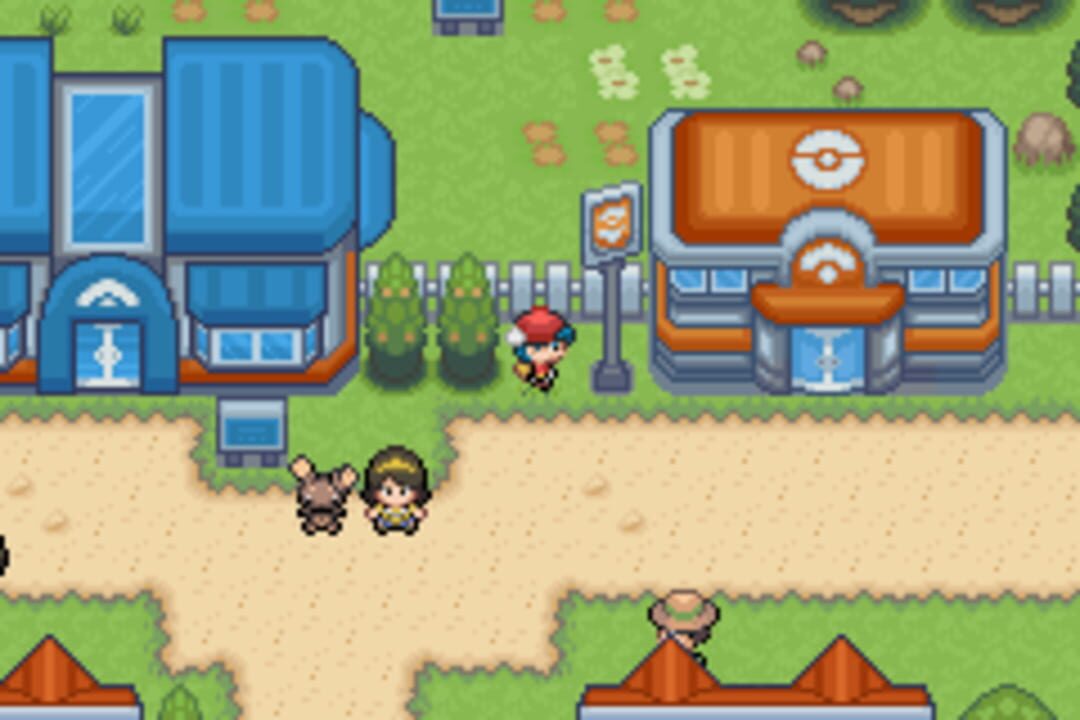
Light Platinum is a completed Pokémon Ruby ROM hack featuring the Zhery and Lauren regions, new rivals, redesigned locations and Pokémon from the first five generations. The later Light Platinum+ modification adds further mechanics but also has a documented World Championship progression problem, so this guide does not treat Final and Plus as identical builds.
Quick Pokémon Light Platinum cheats list
| Cheat | Format | Result | Important note |
|---|---|---|---|
| Rare Candy | GameShark v3 / Action Replay | Item PC | Disable after withdrawal |
| Master Balls | GameShark v3 / Action Replay | Item PC | Test alone |
| Unlimited Money | GameShark v3 / Action Replay | Money balance | Open shop to refresh |
| Walk Through Walls | GameShark v3 / Action Replay | Overworld | High story risk |
| Shiny Encounters | GameShark v3 / Action Replay | Wild encounters | Nature/gender may repeat |
| No Wild Encounters | GameShark v3 / Action Replay | Wild areas | Permanent Repel while enabled |
Use one code at a time. After obtaining the desired result, switch it off, make a normal in-game save and restart once to confirm that the save still loads properly.
Working Pokémon Light Platinum GBA cheat codes
The copy buttons copy the hexadecimal code only. Put the descriptive heading in your emulator’s cheat-name field and the copied code in its separate code field.
99 Rare Candies in PC
GameShark v3 / Action Replay280EA266 88A62E5C
Use: enable the entry, visit a Pokémon Center and open item storage on the PC. Withdraw the Rare Candies and disable the code before storing or rearranging other items.
Save warning: item-PC cheats can replace or interfere with stored items. Back up your save and avoid keeping valuable items in the first PC position while testing.
Unlimited Master Balls in PC
GameShark v3 / Action Replay91B85743 27069397
Use: activate it before opening item storage at a Pokémon Center PC. Withdraw the number required, close the PC and turn the entry off.
Do not activate Rare Candy and Master Ball together. Both affect item storage and are safest when used separately.
Unlimited Money
GameShark v3 / Action ReplayE51E97C3 7858E4EB
Use: enable during normal gameplay, enter a Poké Mart or open the Trainer Card so the displayed balance refreshes, then disable after confirming the change.
Walk Through Walls
GameShark v3 / Action ReplayE03B0649 5D67050C 78DA95DF 44018CB4
Use: switch it on only long enough to cross an obstacle. Return to a normal floor tile and disable it before entering a door, cave, staircase or story scene.
High risk: Light Platinum relies on map and NPC triggers. Crossing them out of order can strand the player or prevent an event from starting. Never save outside normal map boundaries.
No Random Battles
GameShark v3 / Action Replay3B0C8C5E 96FB832D
Use: leave enabled while travelling through grass, caves or water. It acts like a permanent Repel; disable it when you want wild encounters again.
Shiny Wild Pokémon
GameShark v3 / Action Replay8636B1D6 CA4AB2A9 18452A7D DDE55BCC
Use: enable before entering a wild encounter. After meeting the intended shiny Pokémon, disable the cheat before continuing or saving.
Generation III shiny codes can lock or repeat nature, gender or personality values. Confirm the captured Pokémon looks normal before keeping it.
EXP Share in PC
GameShark v3 / Action ReplayB964A353 B1C57054
Use: enable, open the Pokémon Center item PC and withdraw the EXP Share. Switch the cheat off before making other changes to PC storage.
Full Restore in PC
GameShark v3 / Action ReplayF6D63594 20B33E32
Use: activate, check item storage and withdraw the Full Restores. Disable immediately afterward.
Max Revive in PC
GameShark v3 / Action Replay9C51C651 033FEEF8
Use: activate before opening the item PC, withdraw the Max Revives and then disable the entry.
Selected PC item codes
These CodeBreaker-style entries target an item-storage slot. Test only one at a time, withdraw the item, and then disable the code. Compatibility can vary between Final, Plus and translated builds.
Useful item codes
CodeBreaker • One entry at a time82025BD0 0013 Full Restore 82025BD0 0019 Max Revive 82025BD0 0045 PP Up 82025BD0 0047 PP Max 82025BD0 0054 Max Repel 82025BD0 0055 Escape Rope
Entering codes: the item name is a reference label, not part of the hexadecimal code. For example, paste only 82025BD0 0013 for Full Restore.
How to use Light Platinum cheats
- Confirm the release. This guide targets the original GBA Final release. Do not use Nintendo DS Action Replay codes or assume Mega Light Platinum codes are identical.
- Back up the battery save. Copy the emulator’s .sav file outside its normal folder. A save state is useful, but it is not a replacement for an untouched battery-save backup.
- Open the cheat menu. In My Boy!, Pizza Boy, VBA-M, mGBA or Delta, create a new entry and choose GameShark v3/Action Replay or CodeBreaker as stated.
- Separate the title and code. Put “Unlimited Money” in the name field and only
E51E97C3 7858E4EBin the code box. - Perform the trigger. PC cheats require item storage, money may need a shop or menu refresh, and encounter cheats require entering a wild battle.
- Disable, save and reload. Once the result appears, turn the cheat off, save normally, restart the emulator and confirm the save still loads.
Light Platinum cheats not working?
The cheat is accepted but nothing changes
Check the trigger. Rare Candy, Master Ball and healing codes appear in item storage—not automatically in the Bag. Leave and re-enter the Pokémon Center if the PC has not refreshed.
The emulator says the code is invalid
Choose GameShark v3/Action Replay for the encrypted eight-character pairs. Remove headings and item names from the code field, and keep every required line together.
The wrong item appears
Disable all other cheats and reload your untouched backup. Light Platinum translations and Plus/Mega revisions may use altered addresses, so confirm the exact build.
The game freezes or the save stops loading
Do not save. Close the emulator, disable every cheat and restore the backup created before testing. Retry only one code on the Final GBA release.
Walk Through Walls broke an event
Reload from before crossing the obstacle and complete the route normally. Story flags often activate when the player steps on a particular tile or speaks to an NPC.
My Boy! Free splits the code
Some versions require each line to be entered separately. If automatic detection fails, manually choose GameShark v3 or Action Replay and preserve the line order.
Pokémon Light Platinum GBA cheat FAQ
Is Pokémon Light Platinum based on Ruby or FireRed?
The original Light Platinum GBA hack is based on Pokémon Ruby. Some database pages contain inconsistent labels, but the creator’s PokéCommunity project thread identifies Pokémon Ruby Version (USA) as the base.
Is Light Platinum GBA the same as Light Platinum DS?
No. The Nintendo DS project is a separate remake and was released as a beta. Its Action Replay addresses cannot be used on the GBA game.
What is the difference between Final and Light Platinum+?
Final is WesleyFG’s completed original release. Light Platinum+ is a later modification adding features such as the Physical/Special split, new Pokémon and moves. It also has a documented bug affecting the last World Championship event.
Why do Rare Candies and Master Balls appear in the PC?
Those codes modify item-storage data rather than the Bag. Enable one code, open the item PC, withdraw the item and then switch the entry off before changing anything else.
Can I enable several item codes together?
No. They may target overlapping storage data. Test each item separately and keep a clean save backup in case the first PC slot is overwritten.
Does CheatCodeDB provide the Light Platinum ROM?
No. This page is an independent compatibility and cheat guide. Apply a legitimate patch to the required base game that you legally own; do not download or distribute copyrighted ROM files.
0 comments:
Post a Comment
Did these cheat codes work for you? Leave a comment with your game version, region and emulator or cheat device. If something didn’t work, tell us which code you tried. Your feedback helps us verify codes and improve this guide.