

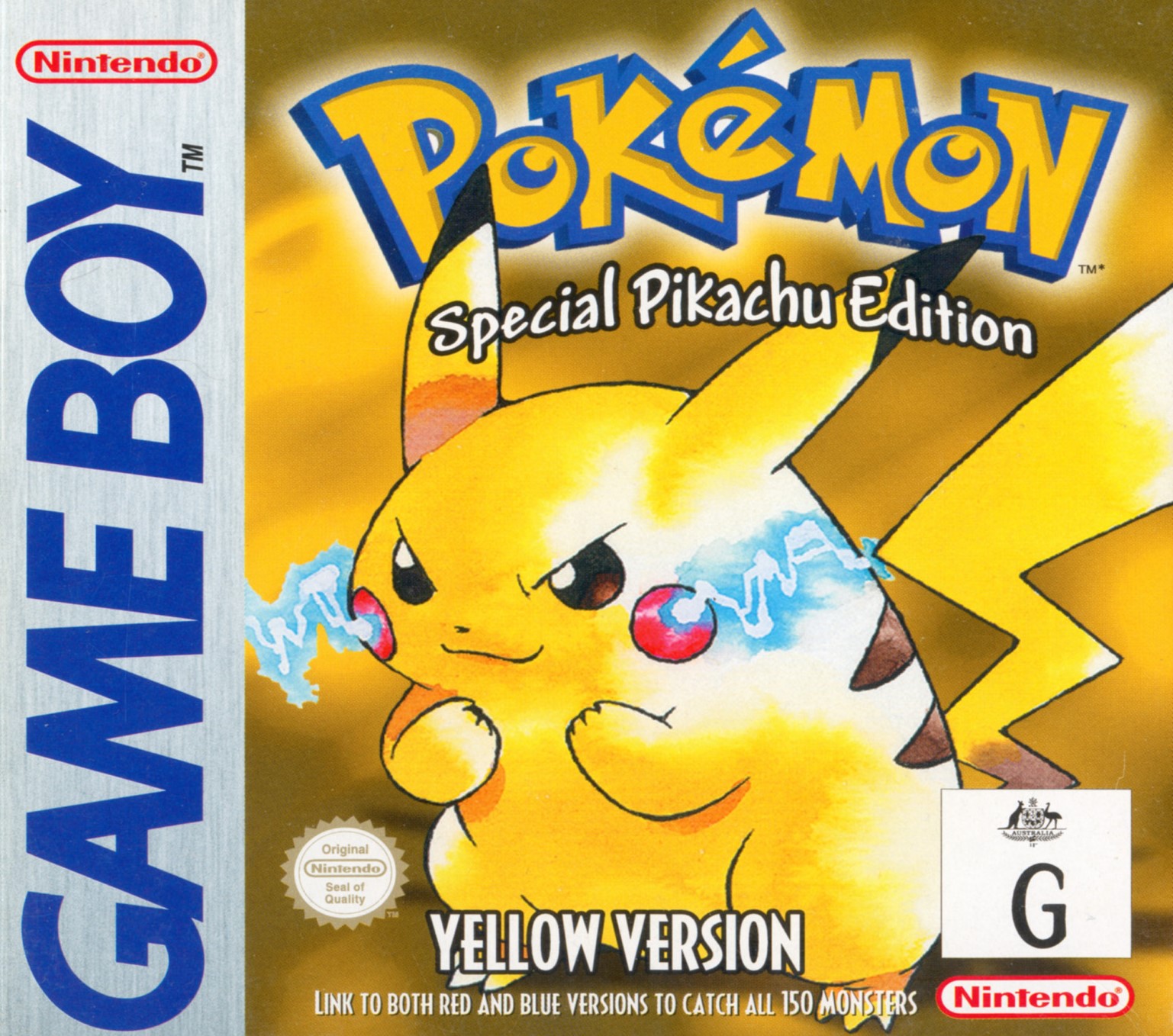
English USA/Europe
DMG-APSE
7D527D62
GameShark / Game Genie


Pokémon Yellow cheat codes
Maximum Money — GameShark
Sets the three money bytes to maximum decimal digits.
019946D3
019947D3
019948D3
Use: Open the Trainer Card or shop menu to refresh the total.
All Badges — GameShark
Marks all eight Kanto badges as collected.
01FF55D3
Use: Back up first because this modifies story-related progress.
No Random Battles — GameShark
Stops random encounters in encounter areas.
01033BD1
Use: Disable it when you want to catch or train wild Pokémon.
Infinite Safari Balls — GameShark
Keeps 100 Safari Balls available.
016446DA
Use: Use only while inside the Safari Zone.
Infinite Safari Time — GameShark
Keeps the Safari Zone step timer supplied.
01F00DD7
Use: Disable before leaving the Safari Zone.
Walk Through Walls — GameShark
Allows movement through normally blocked map tiles.
010138CD
Use: Save outside first and never save while standing inside an object.
One-Hit Kills — Game Genie
Makes opposing Pokémon fall in one hit.
002-DE9-D52
Use: Enter as Game Genie; disable during special encounters.
Pokémon Yellow cheat code FAQ
Why is a Pokémon Yellow cheat not working?
Check the release identifiers near the top, select the correct GameShark or Game Genie format, and test one code at a time. Codes for another language or game version can use different addresses.
Do these codes work on emulators?
They can work in emulators that correctly support the listed cheat format. Name the entry, paste the complete block, and activate it only after gameplay has loaded.
Should I save with cheats enabled?
Make a backup first. Disable progression, inventory and movement cheats after the intended effect appears, and never save while standing outside normal map boundaries.
How to use the codes
- Confirm the region, serial/Game ID and CRC where shown.
- Make a separate backup of the save.
- Add one complete block using the exact cheat format listed above in a compatible emulator or original cheat device.
- Load gameplay before pressing any activation buttons.
- Confirm the effect, then disable persistent or unlock codes before saving unless the instructions say otherwise.
Troubleshooting
The cheat appears but does nothing
The most common causes are a region/revision mismatch, the wrong cheat type, a missing enable code, or pressing the activator before gameplay loads. Disable every other cheat and test a single block on an unmodified dump.
Sources and verification
Only codes published for this identified release were selected. “Verified” here means cross-recorded by established code databases or original code researchers; emulator builds and modified ROMs can still affect compatibility.
Pokémon and related names are trademarks of their respective owners. This independent guide is not affiliated with Nintendo, The Pokémon Company or the listed publishers.
0 comments:
Post a Comment
Did these cheat codes work for you? Leave a comment with your game version, region and emulator or cheat device. If something didn’t work, tell us which code you tried. Your feedback helps us verify codes and improve this guide.